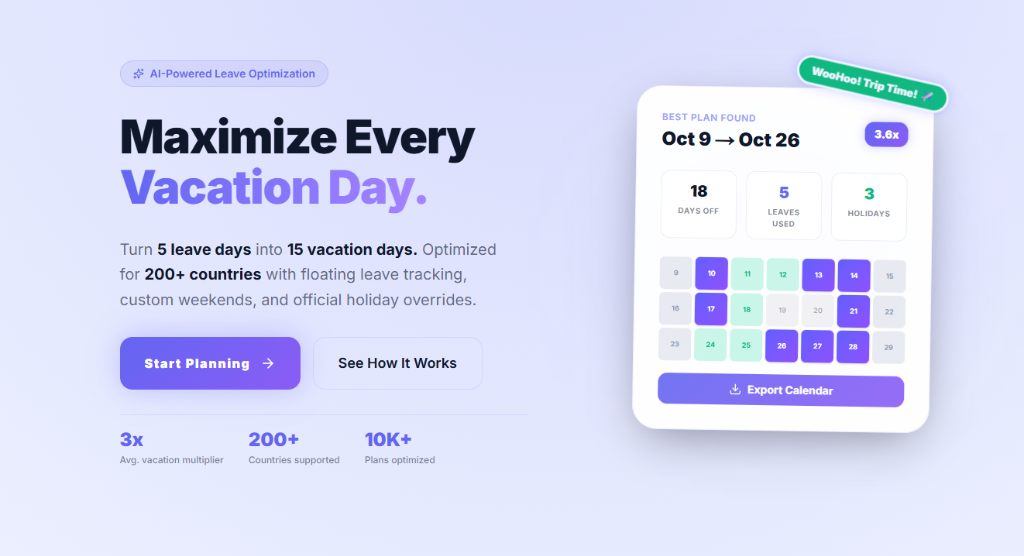
Set Up in 60 Seconds
Create your account, configure your country and leave balance, and you're ready to plan.
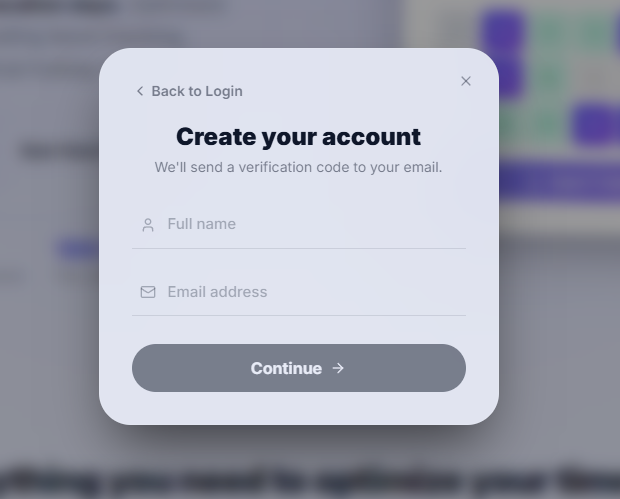
01: Sign Up with Email
Click Get Started and enter your name and email. We'll send a 6-digit OTP to verify your inbox — no Google account needed. Set a password and you're in.
02: Configure Your Profile
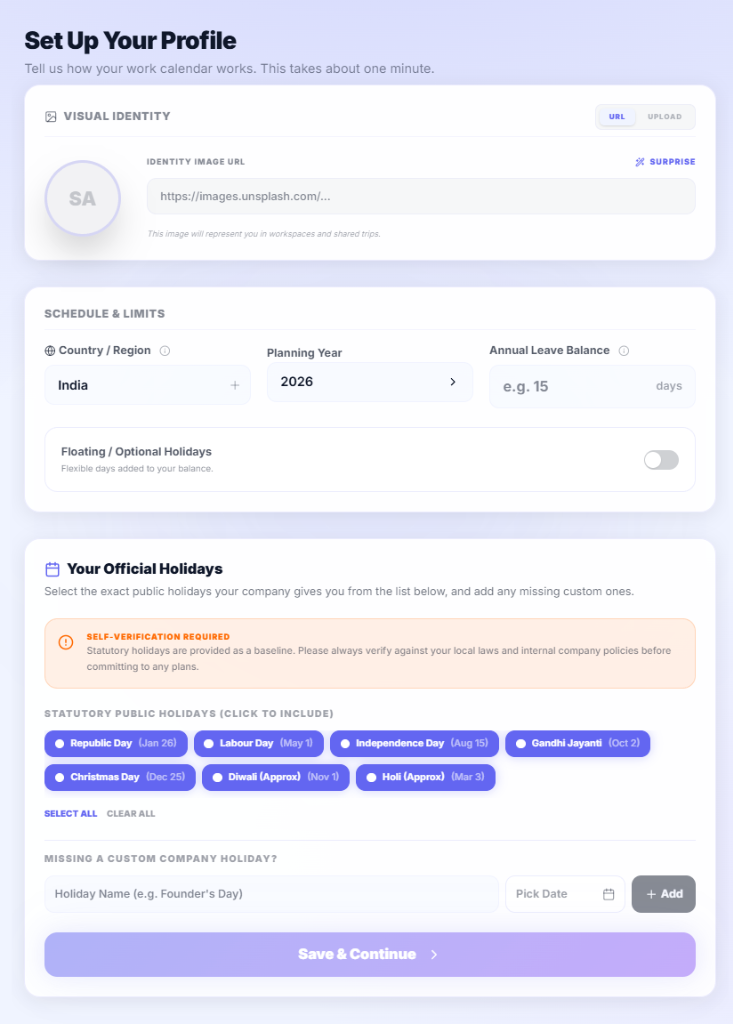
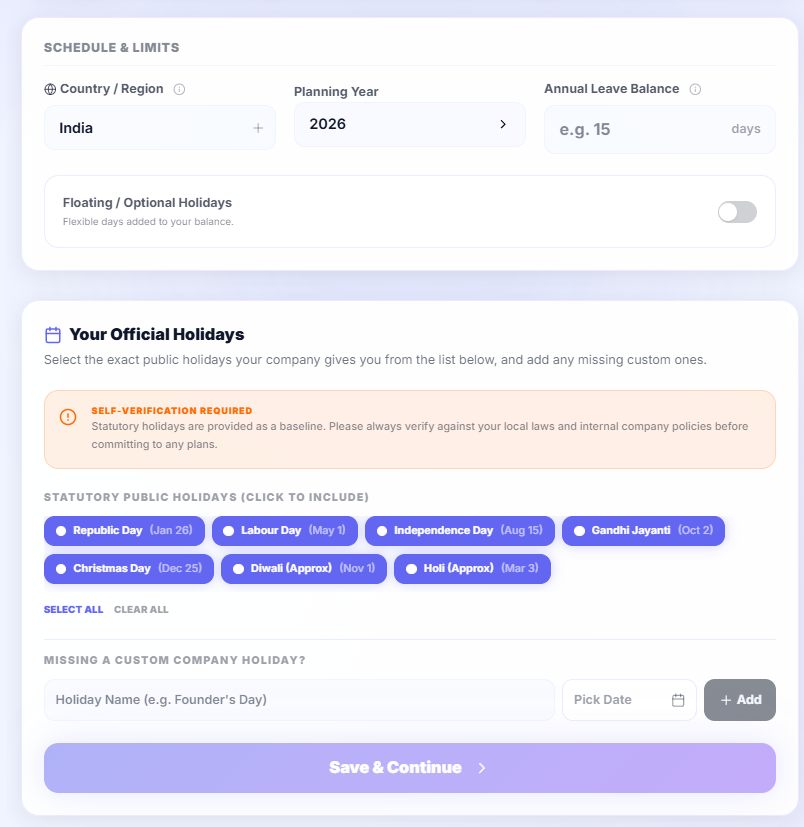
Select your country — the engine auto-loads every statutory public holiday for your region. Set your annual leave balance, toggle floating/optional holidays if your company offers them, and adjust your work week if you don't follow a standard Mon–Fri schedule.
Key settings
- Country: Drives which public holidays are loaded for your profile
- Annual Leave Balance: Total PTO days your contract provides
- Floating Holidays: Optional days you can use on any date
- Work Week: Toggle each day (Sun–Sat) to match your actual schedule
- Custom Holidays: Add company-specific days off that aren't public holidays
03: You're All Set
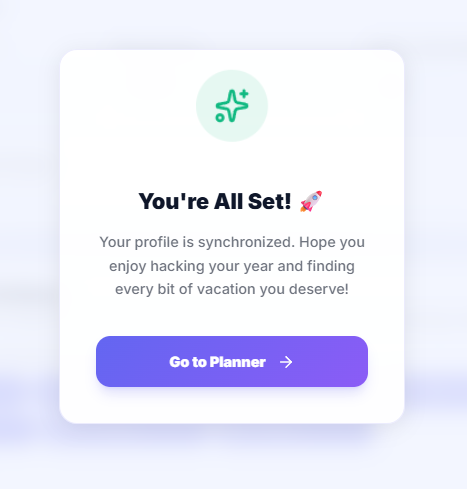
Verify your holiday selection matches your company policy, confirm, and you're redirected straight to the planner.